
Using epaper for studying
Posted on:
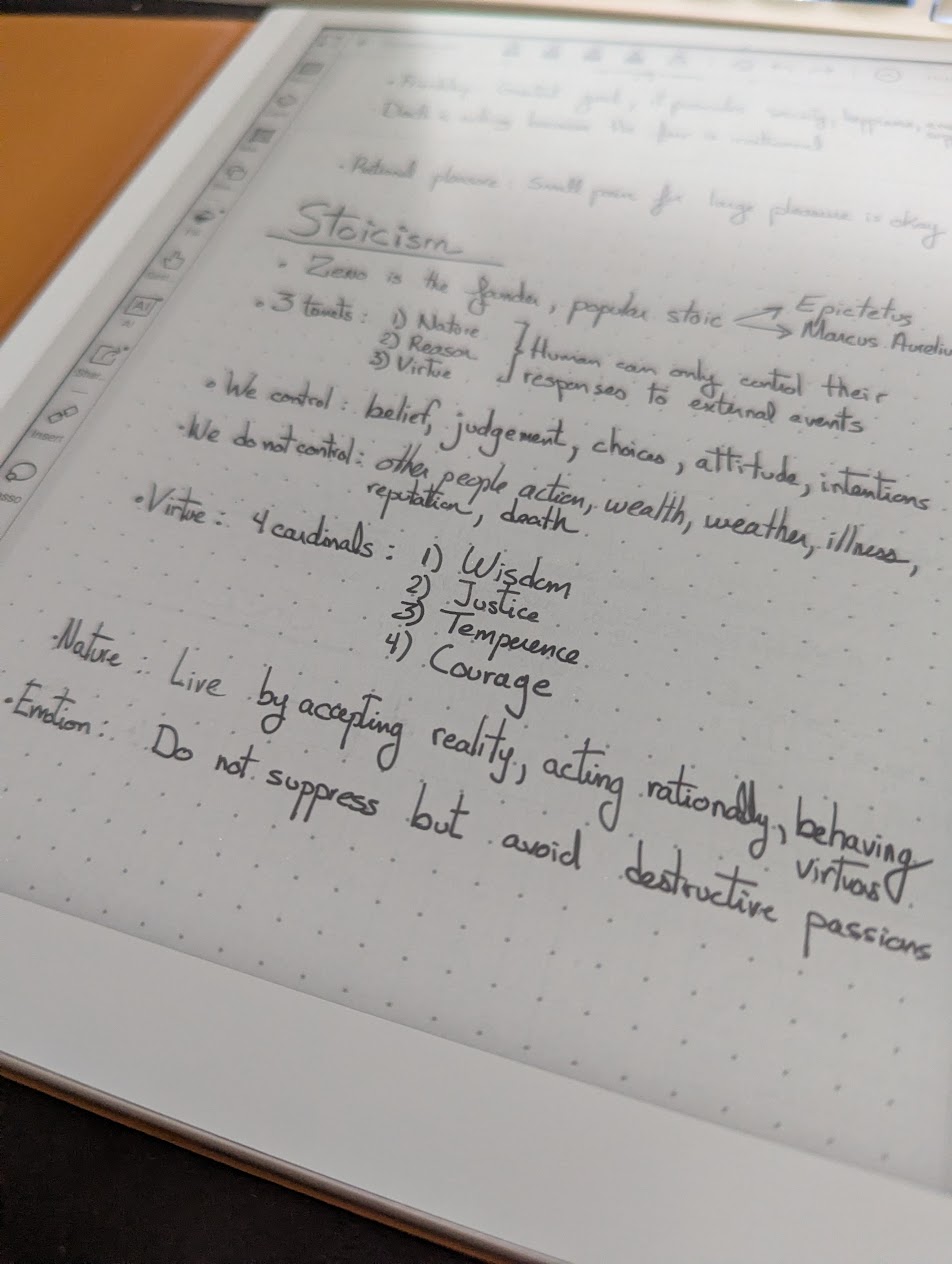
A few months ago, I started studying philosophy and within a few weeks I was taking page after page of notes using Trilium. I initially liked it, but I missed taking notes with a pen. Something about scribbling, annotating, and illustrating my thoughts helps me focus and retain better than copy-pasting or typing. When I was doing my master's degree, I opted for OneNote on my touch PC with a pen. However, that laptop is now old, the battery lasts three hours at most, it is heavy to carry, and reading on a PC is not great for long sessions. I started with paper, but printing hundreds of PDF files was not something I wanted to repeat for every course.
Epaper tablets are getting better and have a few advantages: long battery life (over 12 hours) and screens that work well in many lighting situations, like at the beach or in my bed. Also, writing feels more like paper than a screen. Compared to an iPad, I also appreciate the simplicity and the lack of distraction.
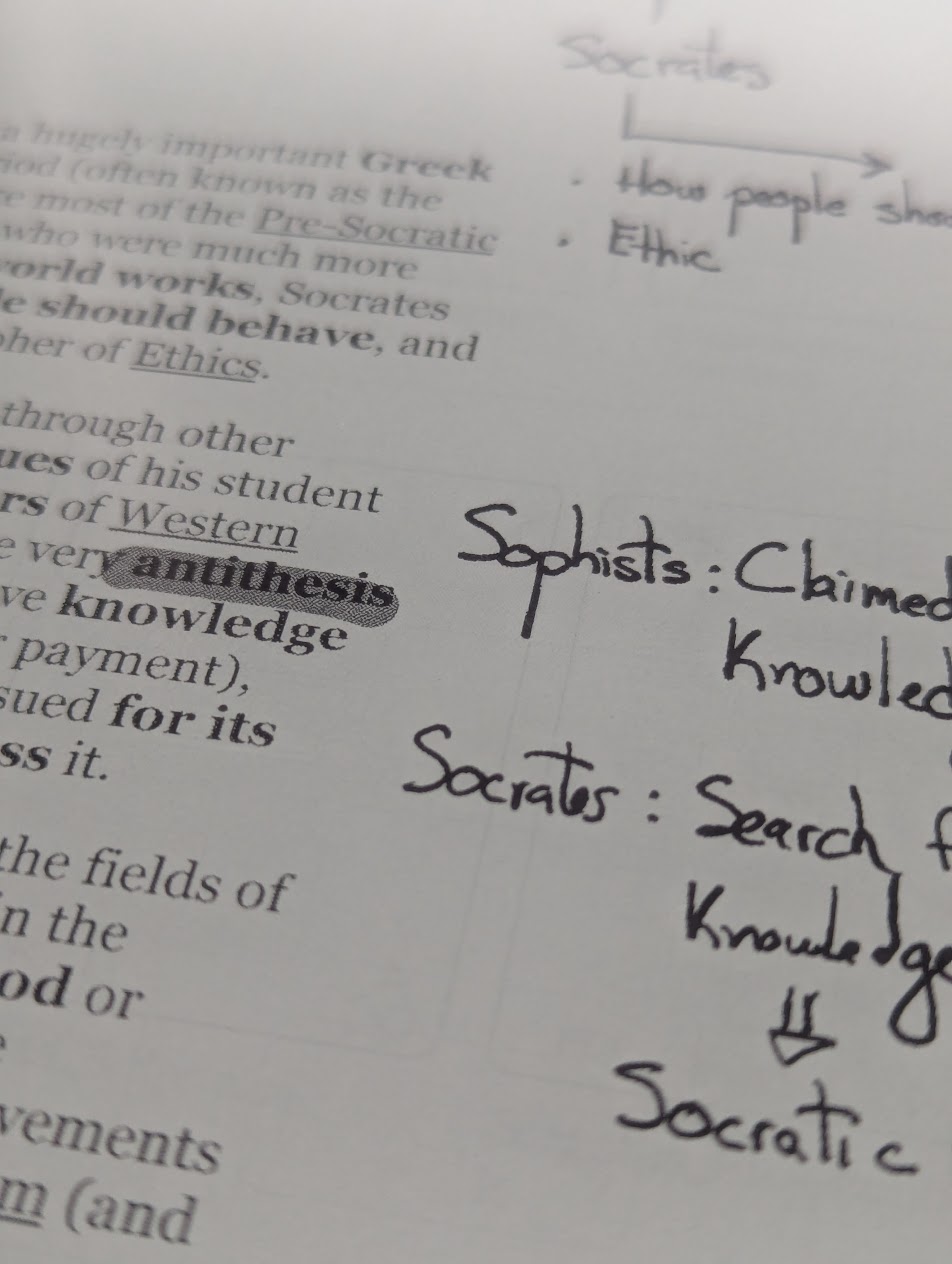
Finding the right device was interesting as the market is expanding. I avoided any Amazon product because I do not want to be locked into the Amazon ecosystem, and I finally opted for a Boox 10.3. I wanted a device under $400, with a pen, and optionally a backlight I could turn on. Another requirement was that my PDF annotations must synchronize back to my PC through a cloud provider. Boox supports Google Drive, which was perfect for me. I do not use it to buy or borrow books, but it would also work with my library since it is, after all, an Android 15 device.
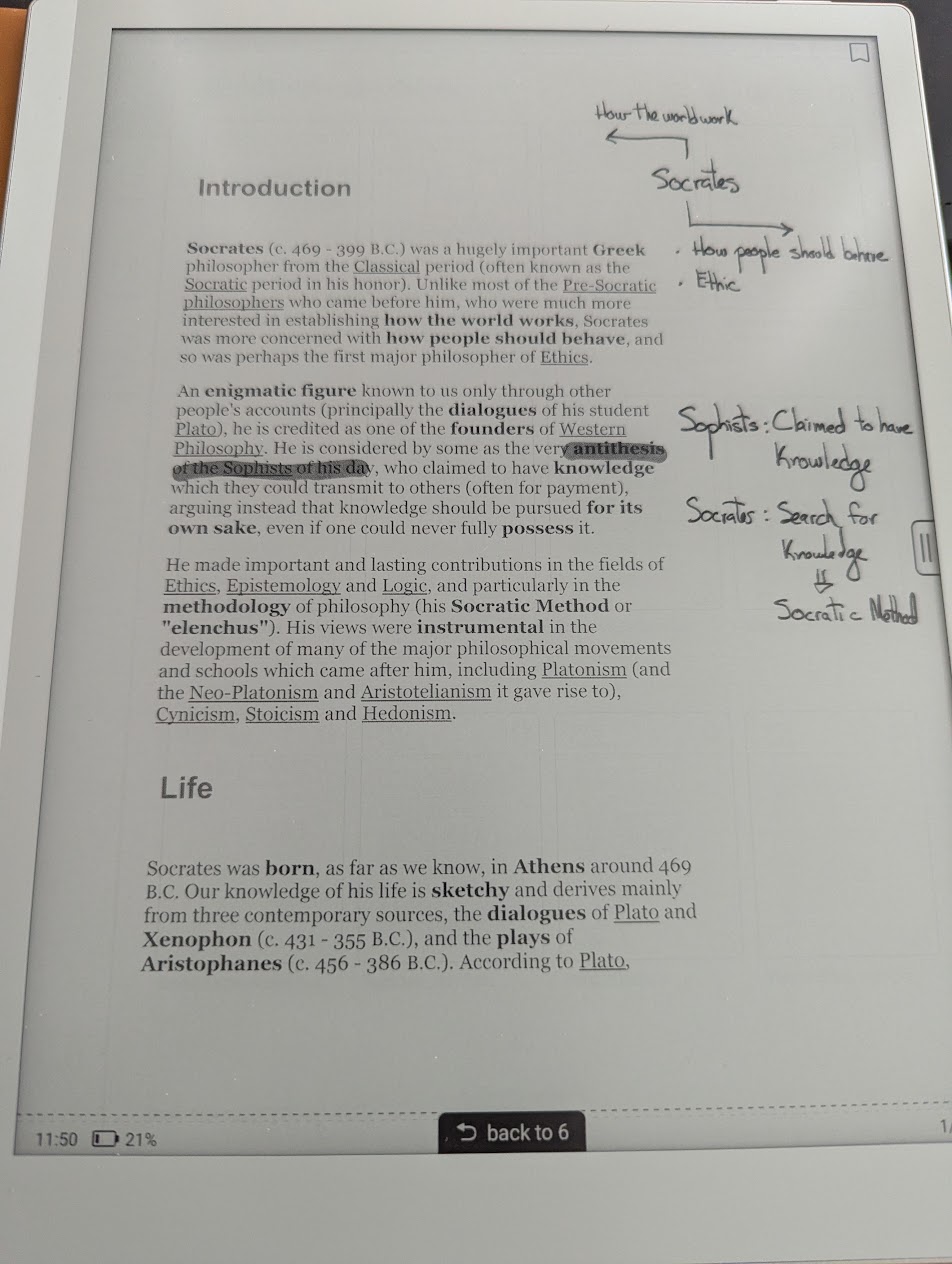
Reading is great on the 10-inch screen. The tablet is lightweight, so reading sessions work well even when I am not at a table. The size lets me split the screen between a PDF and a note document, which I do sometimes when reviewing. Otherwise, I like writing in the margins. For web readings that are not PDFs, I copy the content into a Google Doc with a two-inch right margin, giving me even more space for notes.
There are still some flaws with the device I am using. For example, moving from one file to another is slow. Epaper rendering is far from what a computer offers. I do not notice it when reading, writing, or even scrolling, but jumping back and forth between files is slow. The battery is nice, but I was expecting more. It is not like my e-ink watch that lasts a month. That said, given how thin the device is, and since I never study for more than 12 hours at a time, it is reasonable. Charging from 20% to 80% takes about two hours, and you can use the device while it charges. The pen is also chargeable with the same USB-C cable.
I was hesitant to purchase yet another device. It seems we already have enough with a mobile, a PC, a laptop, and a work machine. But I am glad I did. I carry it everywhere because of how convenient it is and how long the battery lasts, especially when not actively used. I will soon take a trip to Canada, and I feel it will be the perfect companion in my backpack.
Discussion
Replies are loaded from the public Mastodon thread for this article.
Loading replies from Mastodon...